Clideo Free Online Video Editing Tool – Full Review and Guide
Published Dec 9, 2025 | Editorial Desk
There are countless video editing tools on the internet, but the truth is that most people shy away from using them simply because they think that editing software is difficult, slows down the computer, or requires an expensive system. In such a situation, a simple tool that is easy to understand and can create a video in a few clicks is definitely what everyone needs — clideo.com fills this gap.
Clideo is basically an online video editing platform that does not require any software installation or technical training to use. If someone wants to add music to their video, remove the background, or reduce the size of the video, Clideo does all this in a matter of seconds. The most interesting thing is that you do not need a powerful laptop to run it — you can open it on a regular computer or mobile phone.
For whom is Clideo most beneficial?
This tool is a godsend for those who share content on social media. For example, YouTubers, Facebook page admins or Instagram reel creators often look for apps that allow for quick editing without watermarks and without the need for sticky software.
Similarly, for teachers or students who create videos for presentations, Clideo provides a straightforward and uncomplicated platform. Many people get confused about file formats while editing; the beauty of Clideo is that it supports multiple formats, meaning you can convert MP4 to AVI or any other format, and that’s not a problem.
The easiest experience in video editing
At first glance, Clideo's interface looks like a normal website. The menu at the top clearly states:
- Merge video
- Compress
- Add music
- Cut video
There are no hidden options, no complicated words, and no features that require watching a tutorial on YouTube before understanding.
Is Clideo safe?
Since this tool works entirely online, many people question whether their files are safe or not. According to experience, the uploaded file is used only for processing and is automatically deleted after some time after completion, so it can be considered a fairly safe choice for the average user.
Clideo IOS app
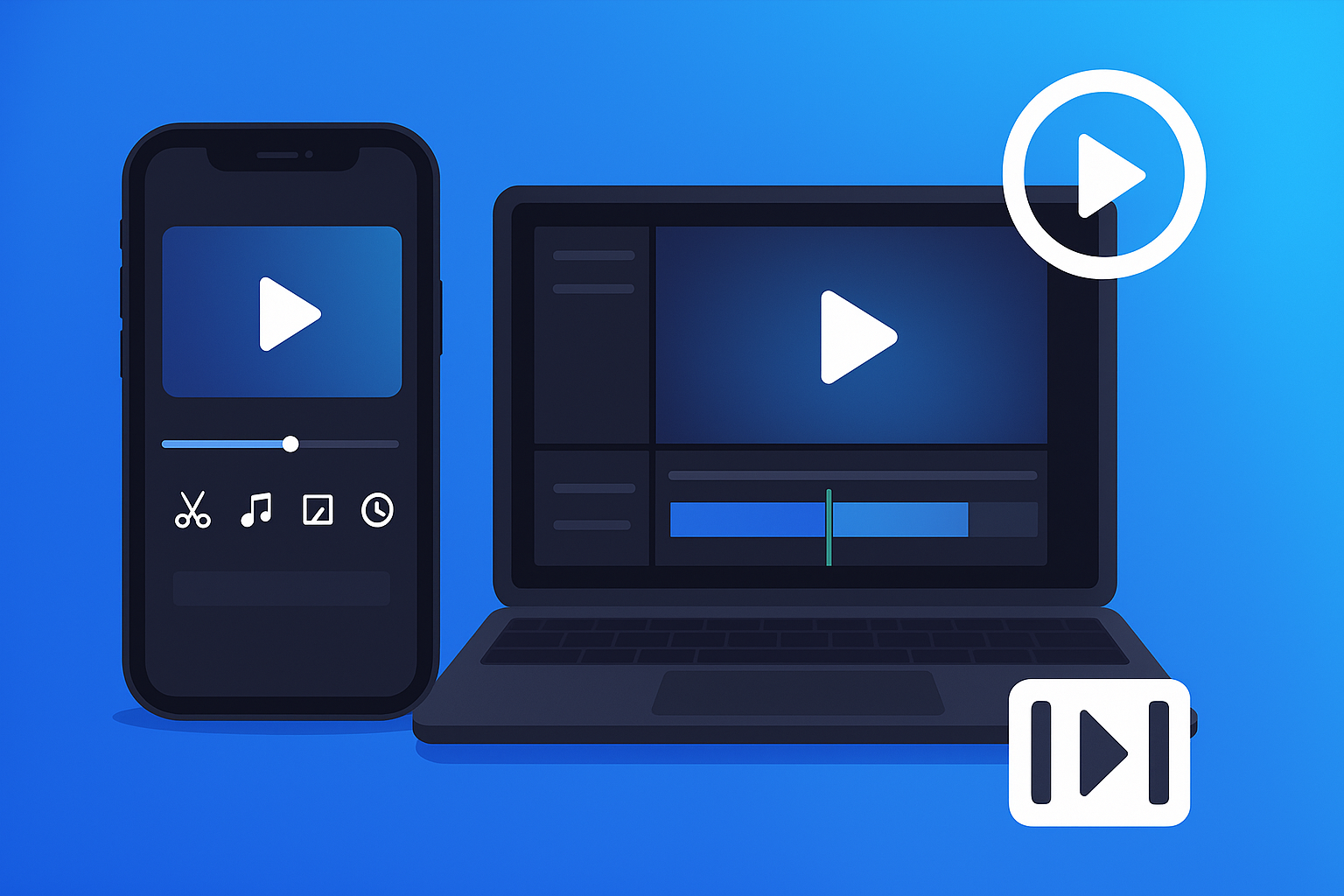
If you use an iPhone or iPad, Clideo’s iOS app gives you a video editing experience typically found only in desktop software. Opening the app brings you all the basic features that both new and experienced users need — whether you want to trim a video, add music to it, or compress it for quick upload to social media.
Conclusion
Clideo is perfect for those who are working on video for the first time and do not have expensive software or a powerful computer. The editing is completed in a few clicks, the simple dashboard and the presence of various options at the same time make it more popular among ordinary users.
If you want a tool that is not difficult, takes less time and makes the file shareable immediately, then Clideo is definitely a reliable choice.