Easy way to use 5G in Pakistan, fastest internet in a few settings
Published Mar 29, 2026 | By Pak24tv
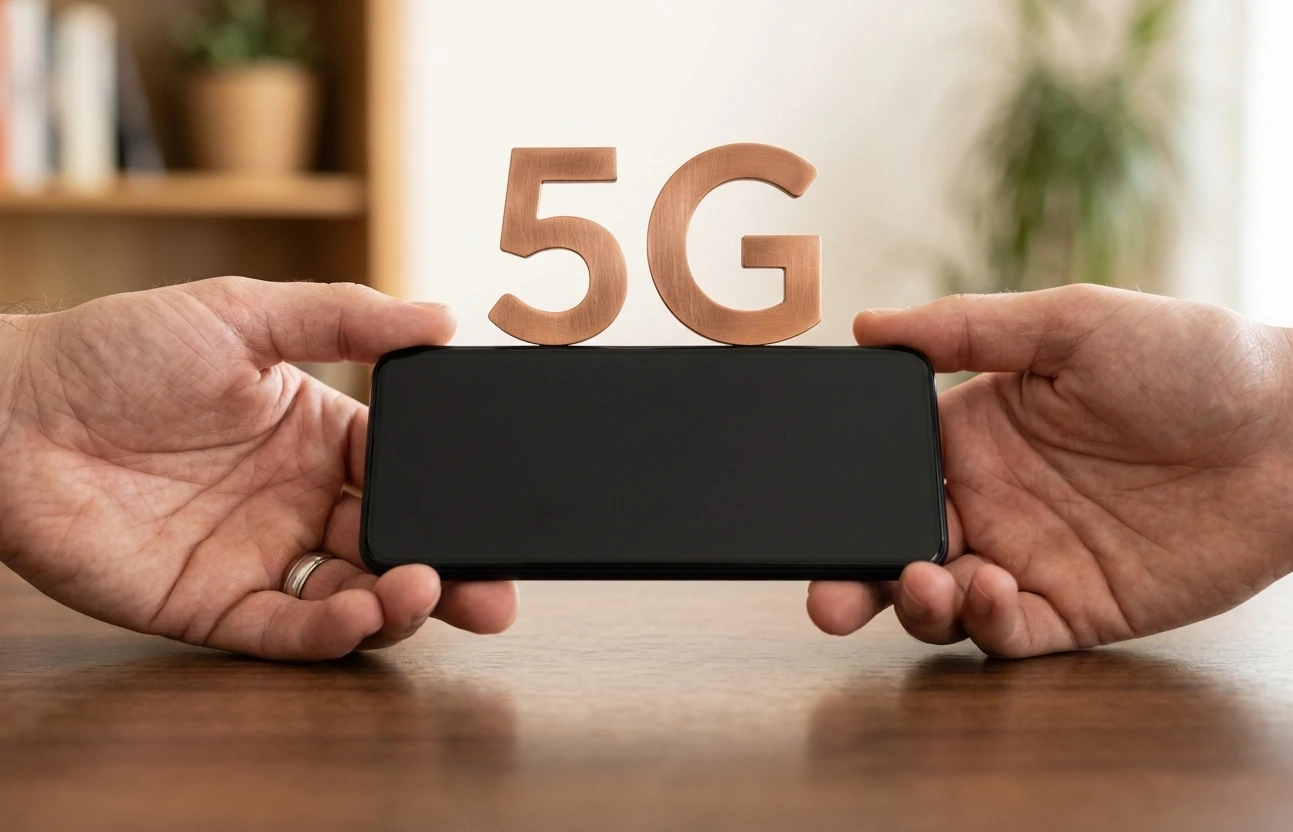
Like the rest of the world, 5G technology is now spreading rapidly in Pakistan, bringing significant improvements in internet speed, call quality, and connection stability. But many users are still not able to use it properly on their devices.
The good thing is that turning on 5G is very easy, just a few settings have to be changed.
For iPhone users
If you use an iPhone, first make sure that you are in a 5G coverage area.
Then go to Settings and go to Cellular → Cellular Data Options → Voice & Data and select “5G Auto” or “5G On”.
“5G Auto” is better because it keeps changing the network itself to save battery.
For iPad users
The method is almost the same on iPad. Go to Settings → Cellular → Data Options and select “5G Auto”.
For Android users
The settings may vary slightly on Android phones, but the general path is:
Settings → Connections / Network → Mobile Networks → Preferred Network Type → Select 5G.
Important things to remember
- 5G will only work in areas where it is available
- Your SIM and package must be 5G supported
- If you encounter problems, try resetting your network settings
According to experts, if 5G is used correctly, the experience of downloading videos, online games, and large files becomes much better and faster.